Exports and print
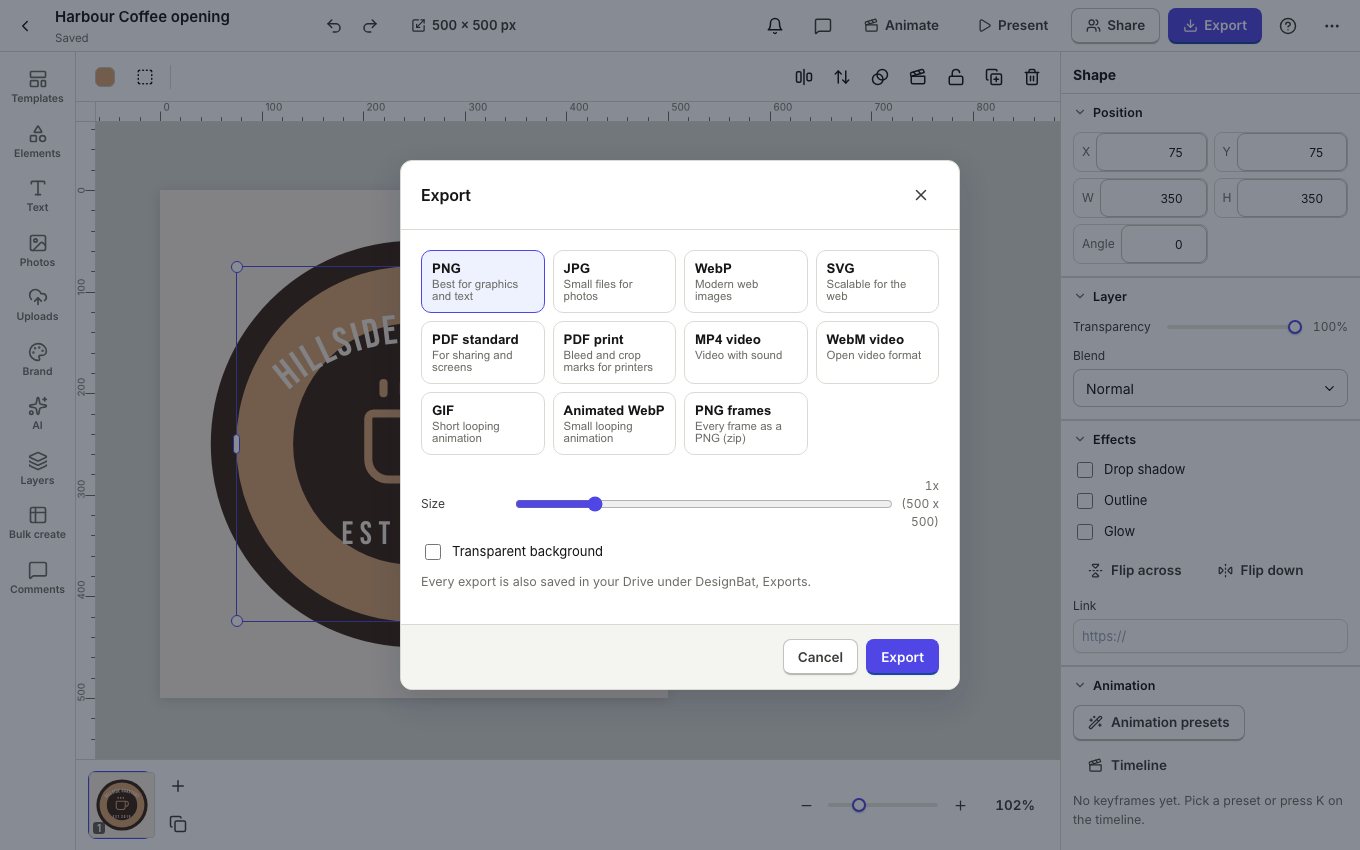
Click Export in the top bar to download your design in the format you need. Every export is also saved in your Drive.
Choose a format
PNG is best for graphics and text (and keeps transparency), JPG makes small photo files, WebP is for the web and SVG scales to any size. PDF standard is for sharing and screens. Animated designs also export as MP4 video, WebM video, GIF, Animated WebP and PNG frames.
Print files
- Start from a print size (A4, Letter, business card, poster) so the design has its physical size.
- Let backgrounds and photos run past the edge of the page.
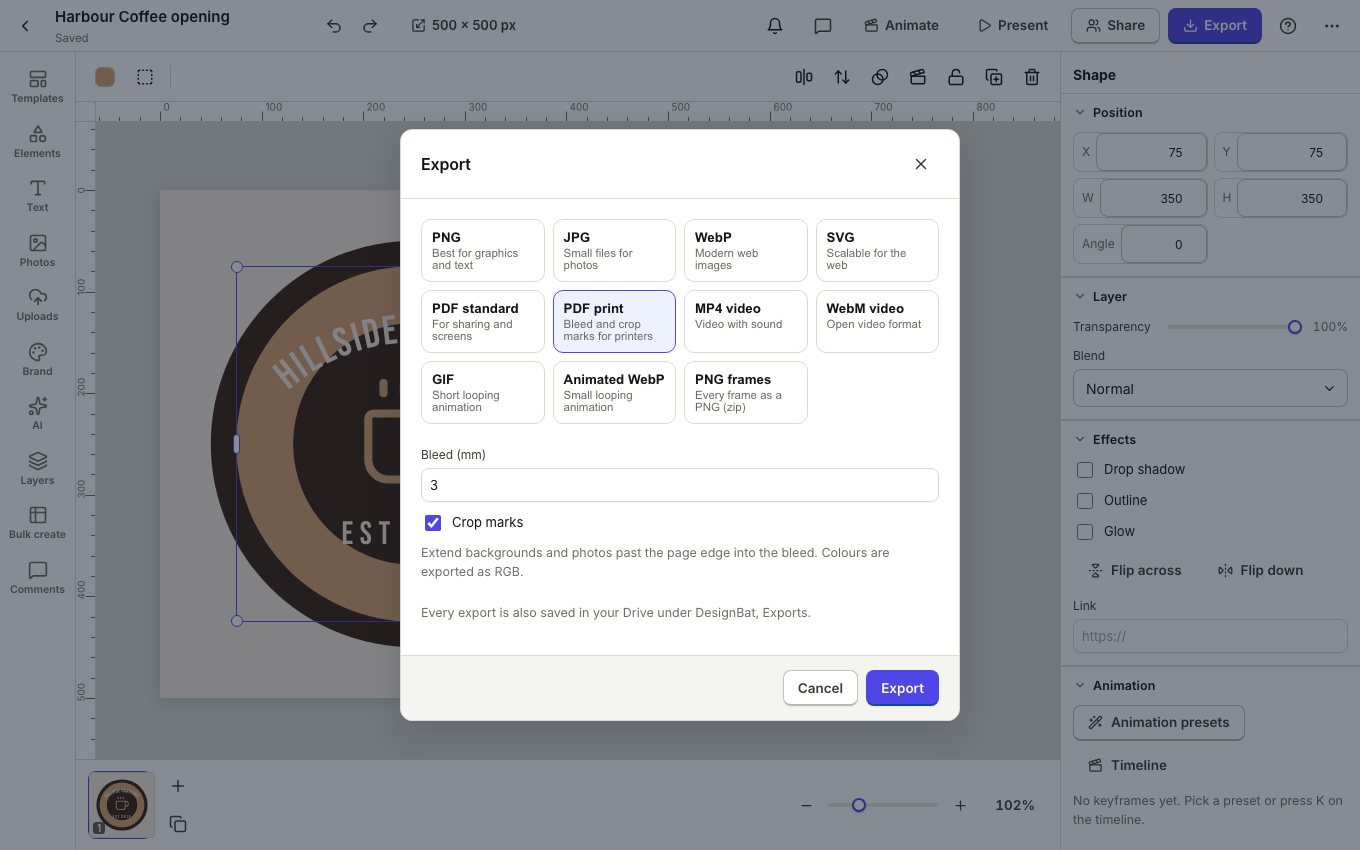
- Click Export, PDF print.
- Set the Bleed (3 mm is common) and keep Crop marks on, then Export.
Before you print
In the ... menu, Check design looks for small text, low contrast, photos with too few pixels for print and things too close to the trim edge, with one click fixes. Show bleed guide shows where the page will be cut.
Free plan exports carry a small DesignBat mark and are limited per day. Pro removes both.