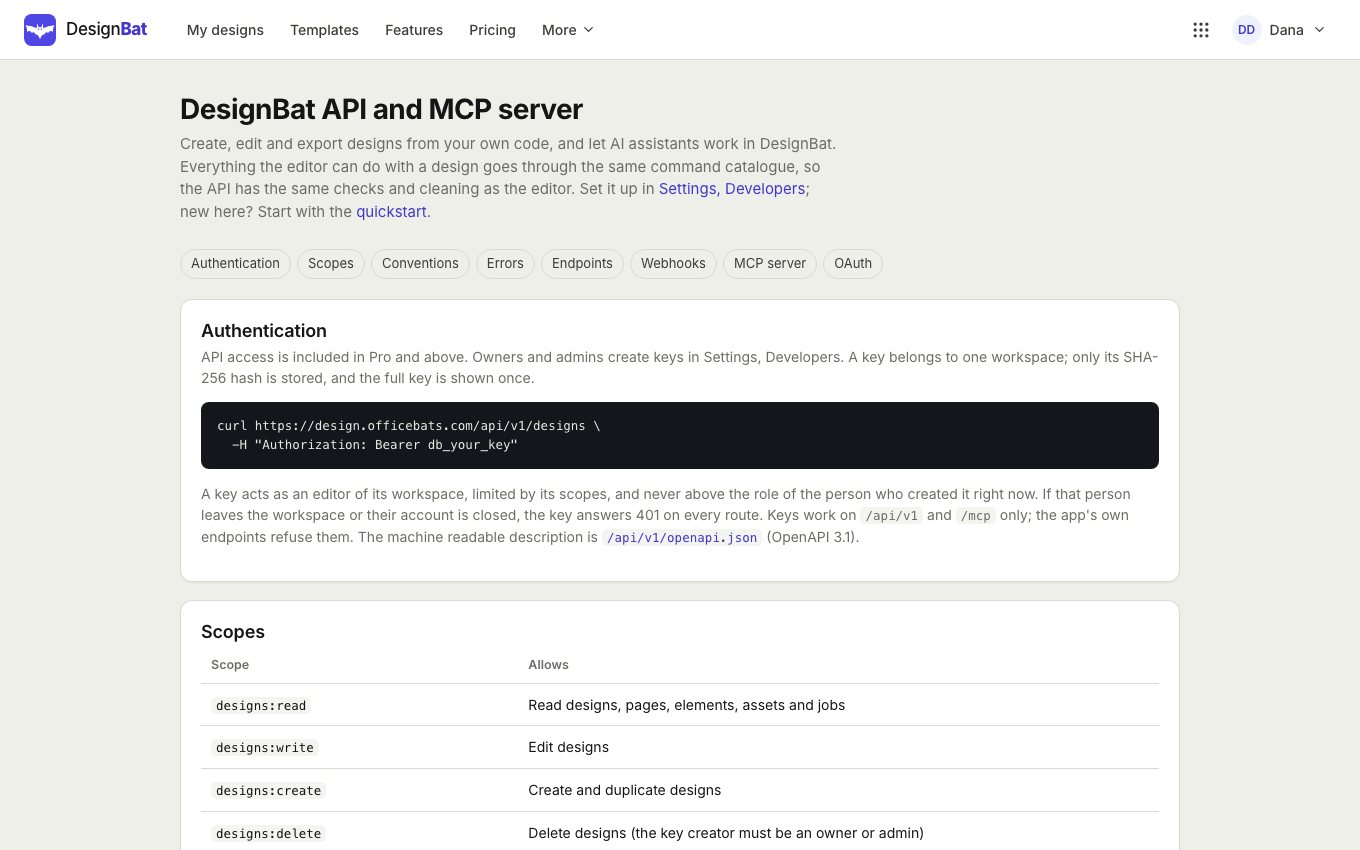
API and MCP quickstart
The REST API lets your own code create, edit and export designs. The MCP server lets AI assistants do the same for you. Both are included in Pro and above.
Create an API key
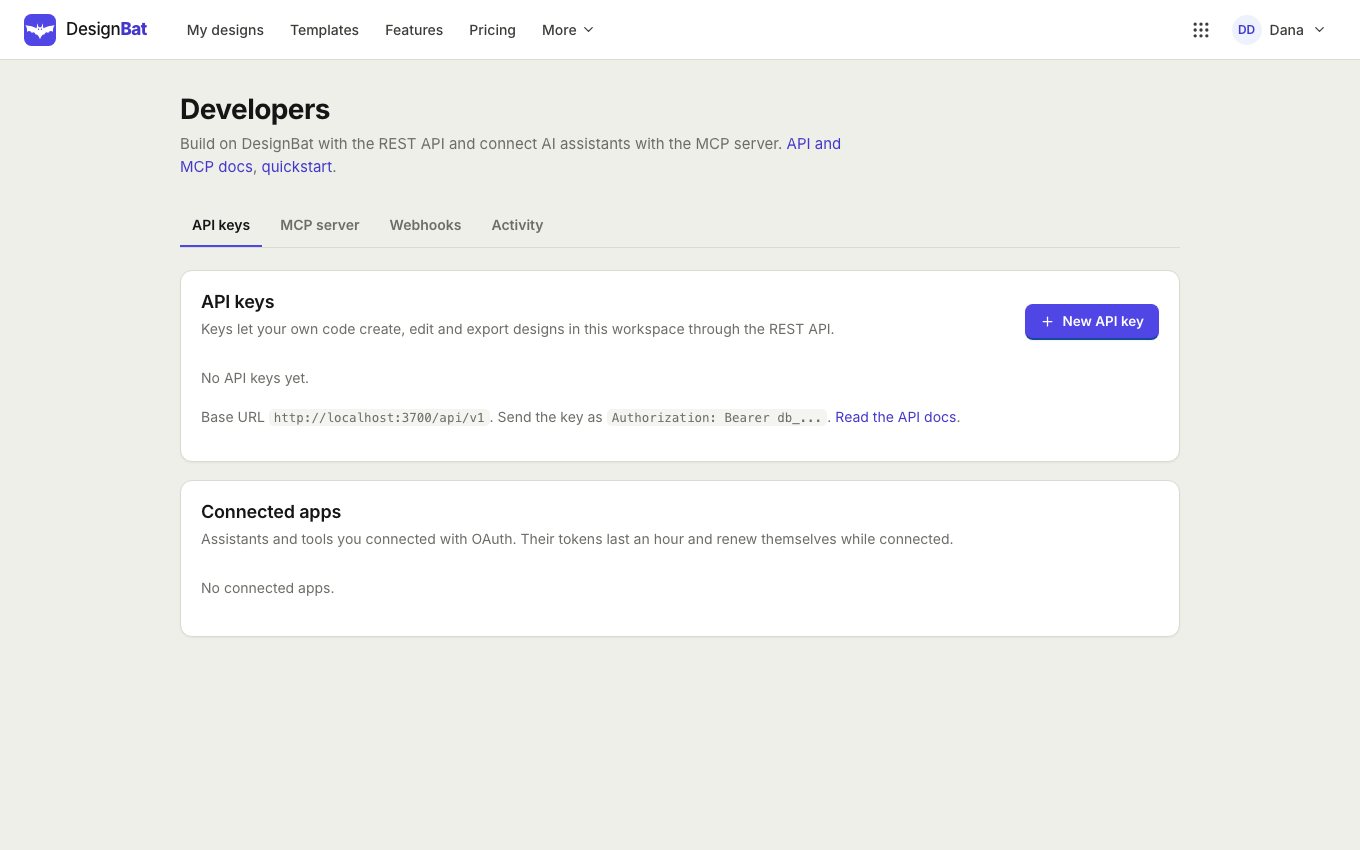
A key never does more than the person who made it can do, and it stops working if that person leaves the workspace. Revoke it here at any time.
- Open your account menu and choose Developers (or go to Settings, Developers).
- Click New API key, name it and tick only the permissions it needs.
- Click Create key and copy the key now: it is shown only once.
Your first requests
Send the key as a Bearer token. This makes a design from a template, changes its headline and exports a PNG:
curl https://design.officebats.com/api/v1/templates?q=sale \
  -H "Authorization: Bearer db_your_key"

curl -X POST https://design.officebats.com/api/v1/designs \
  -H "Authorization: Bearer db_your_key" -H "Content-Type: application/json" \
  -d '{ "source": "template", "templateId": "TEMPLATE_ID" }'

curl -X PATCH https://design.officebats.com/api/v1/designs/DESIGN_ID/elements/ELEMENT_ID \
  -H "Authorization: Bearer db_your_key" -H "Content-Type: application/json" \
  -d '{ "text": "Grand opening Saturday", "baseVersion": 1 }'

curl -X POST https://design.officebats.com/api/v1/designs/DESIGN_ID/exports \
  -H "Authorization: Bearer db_your_key" -H "Content-Type: application/json" \
  -d '{ "format": "png" }'
Exports and AI run as jobs: poll the statusUrl you get back until it is done. The export answer then has a download link that works for 15 minutes.
Connect an AI assistant (MCP)
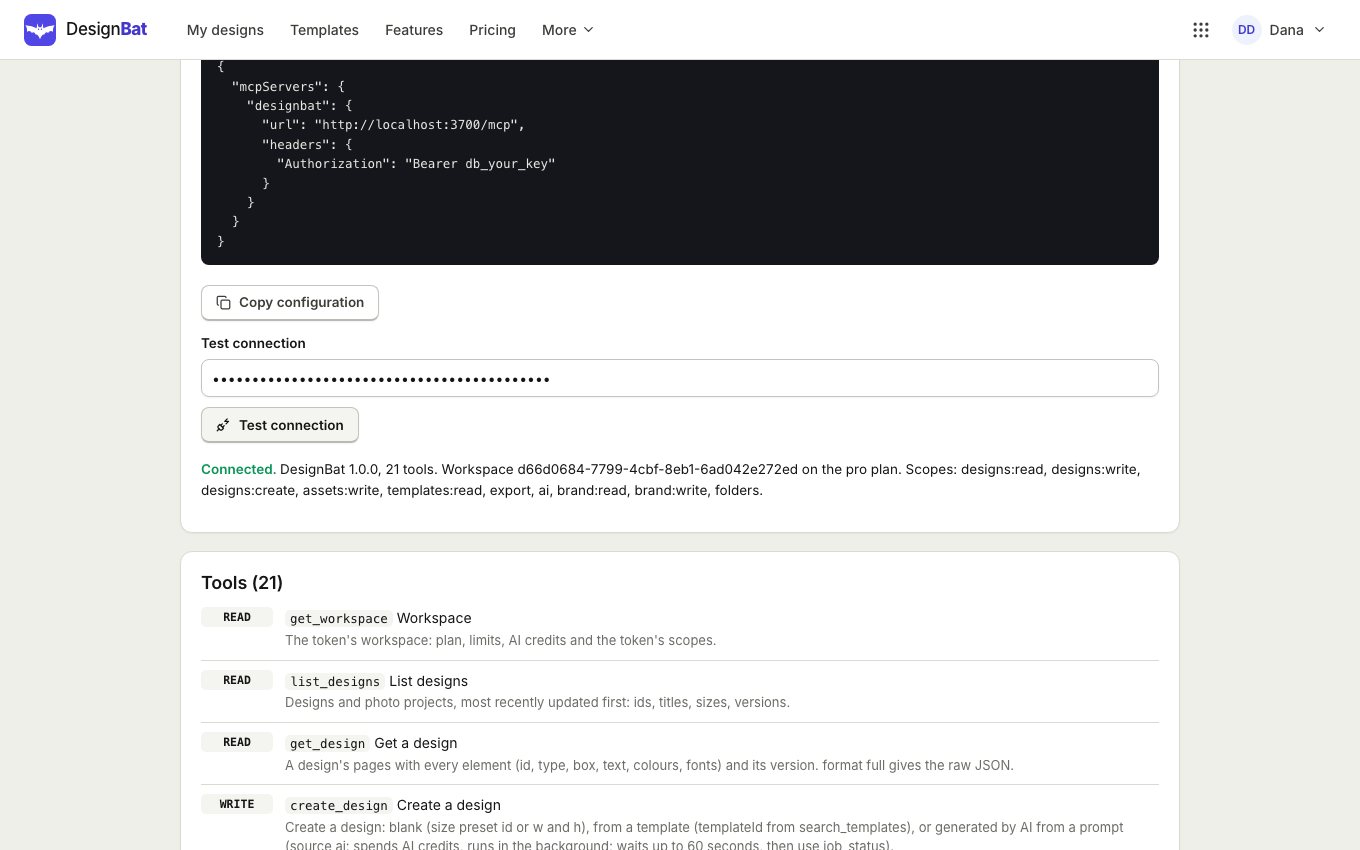
- Open Developers, MCP server and copy the server URL.
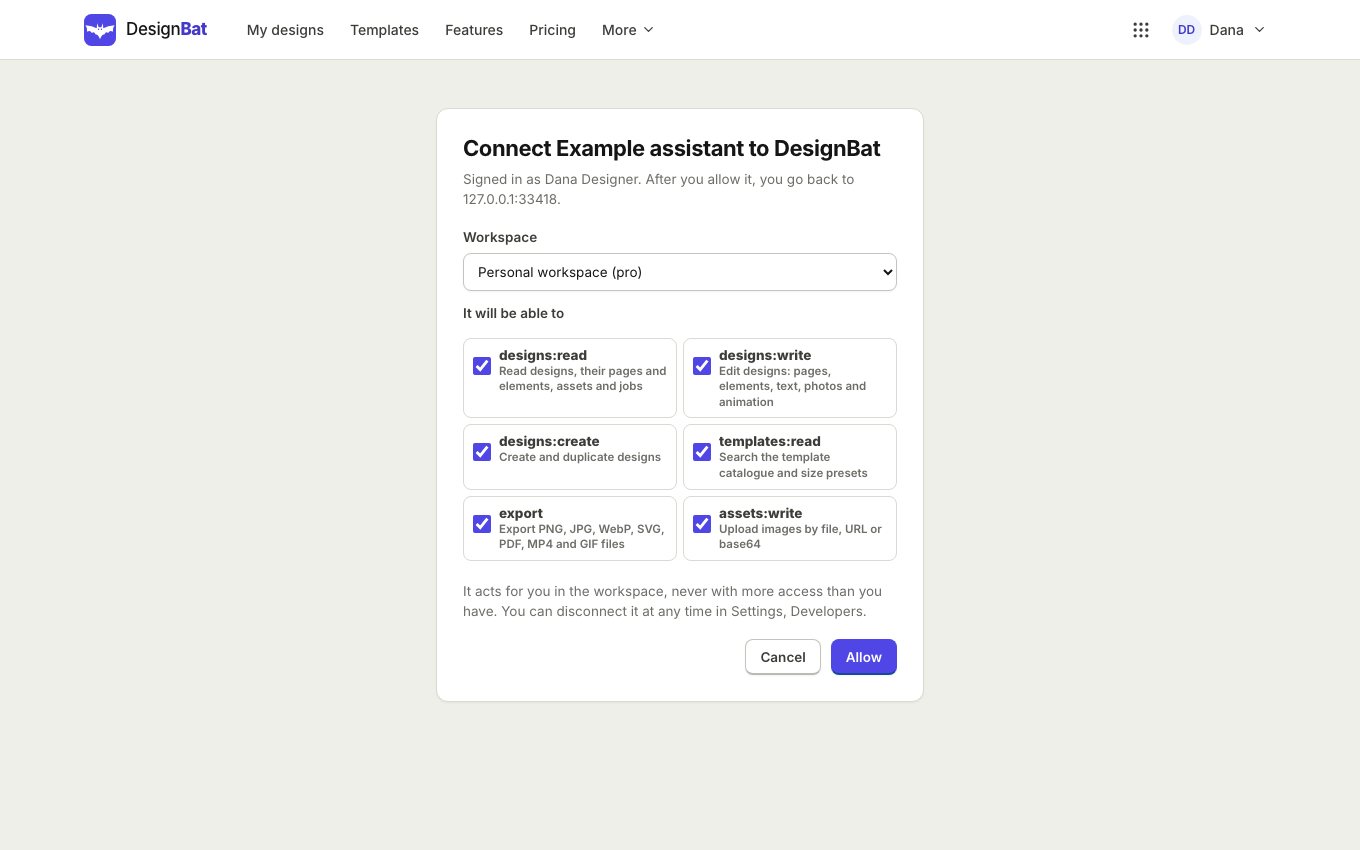
- If your assistant supports OAuth, give it just the URL. You sign in, choose the workspace and the permissions, and click Allow.
- Otherwise click Create a key (the suggested permissions are ticked) and paste the client configuration into your assistant.
- Click Test connection to check it works.
Approving a connection
When an assistant connects with OAuth you see this screen. Untick anything it does not need. Connected apps are listed on the Developers page, where you can disconnect them.
Learn more
The API and MCP reference lists every endpoint and tool, and the machine readable description is at /api/v1/openapi.json.