Collaboration
Work on a design together at the same time, leave comments where they matter, and share links for viewing or downloading.
Invite people
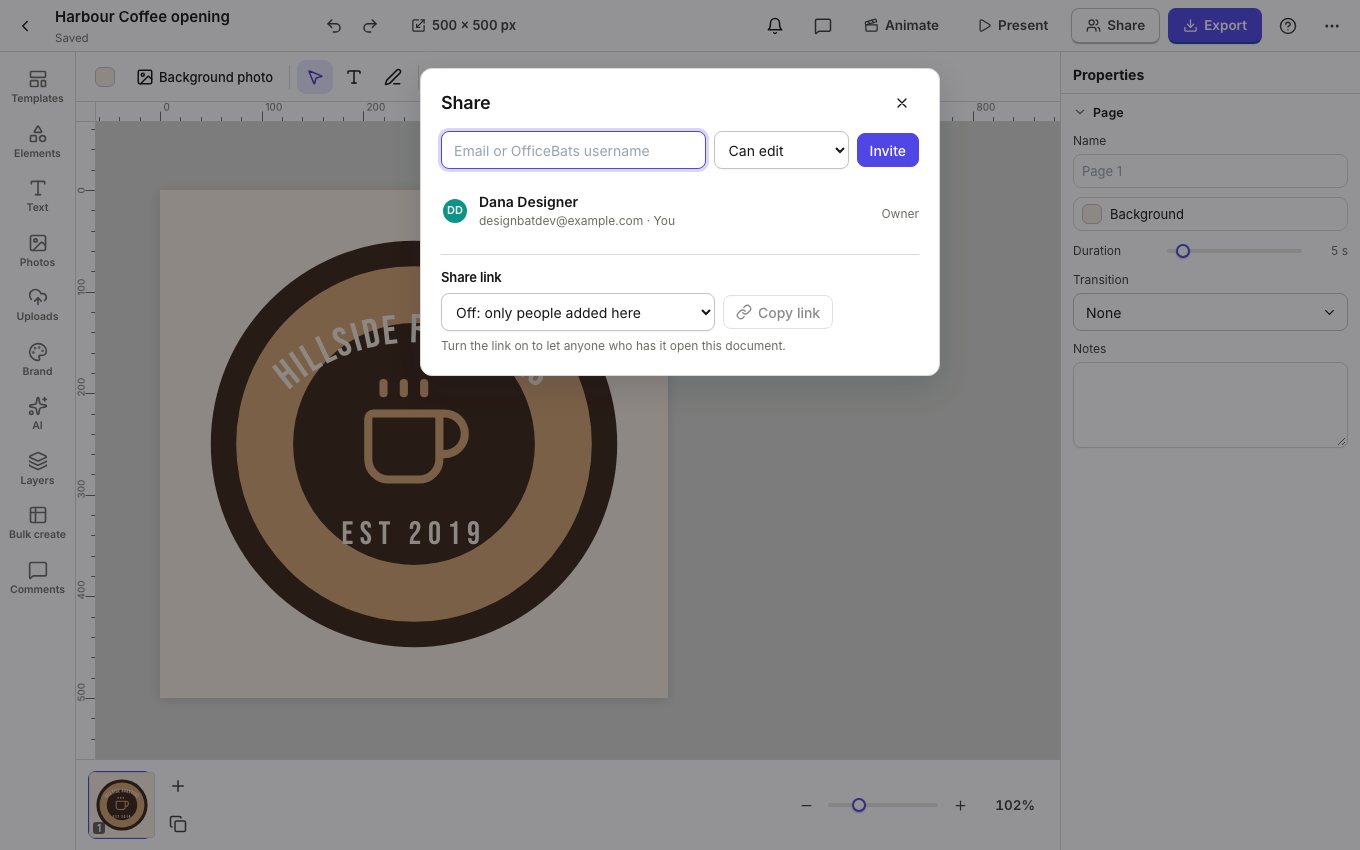
- Click Share in the top bar.
- Type an email address or an OfficeBats username, choose Can edit, Can comment or Can view, and click Invite.
- Under Share link, turn the link on to let anyone who has it open the design with the access you choose.
Edit together
Everyone who opens the design edits the same copy live: you see their pictures in the top bar and their selections on the page. Changes save for everyone.
Comments
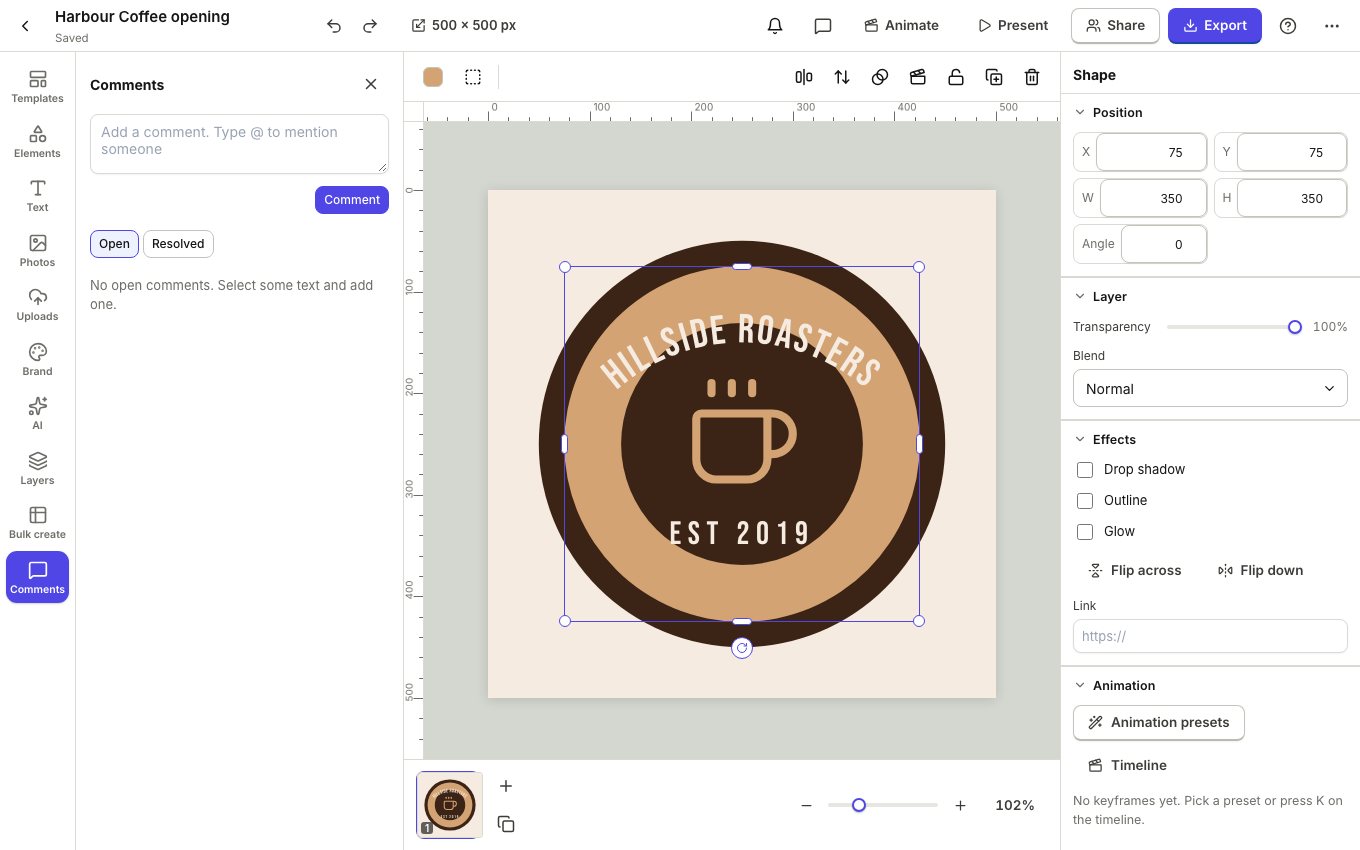
- Open Comments in the left rail.
- Select something on the page, write your comment and click Comment. Type
@to mention someone; they get a notification. - Resolve a comment when it is done; Resolved keeps the history.
Present and share
Present shows the design full screen, page by page. A view link can allow downloads, and an embed link shows the design on another website.