AI editing
AI in DesignBat works on real, editable designs. Every AI action uses credits from your OfficeBats wallet and shows its cost before it runs.
The AI designer
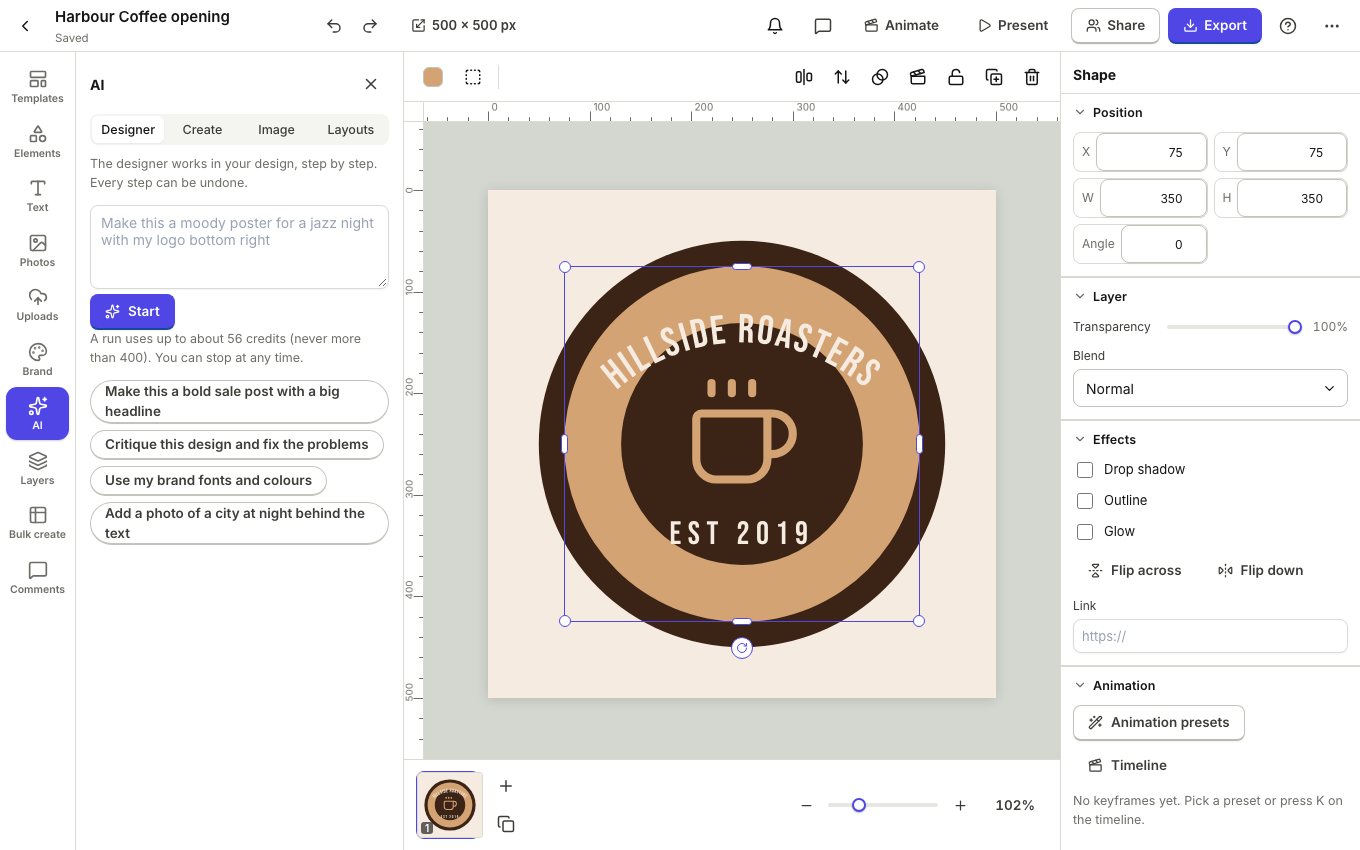
The AI designer edits the open design for you, step by step, with the same tools you use. You see each step happen and every step can be undone.
- Open AI in the left rail and stay on Designer.
- Say what you want, like "Make this a moody poster for a jazz night with my logo bottom right", or click a suggestion.
- Click Start. The designer shows its plan, then works through it. Click stop at any time.
A design from a description
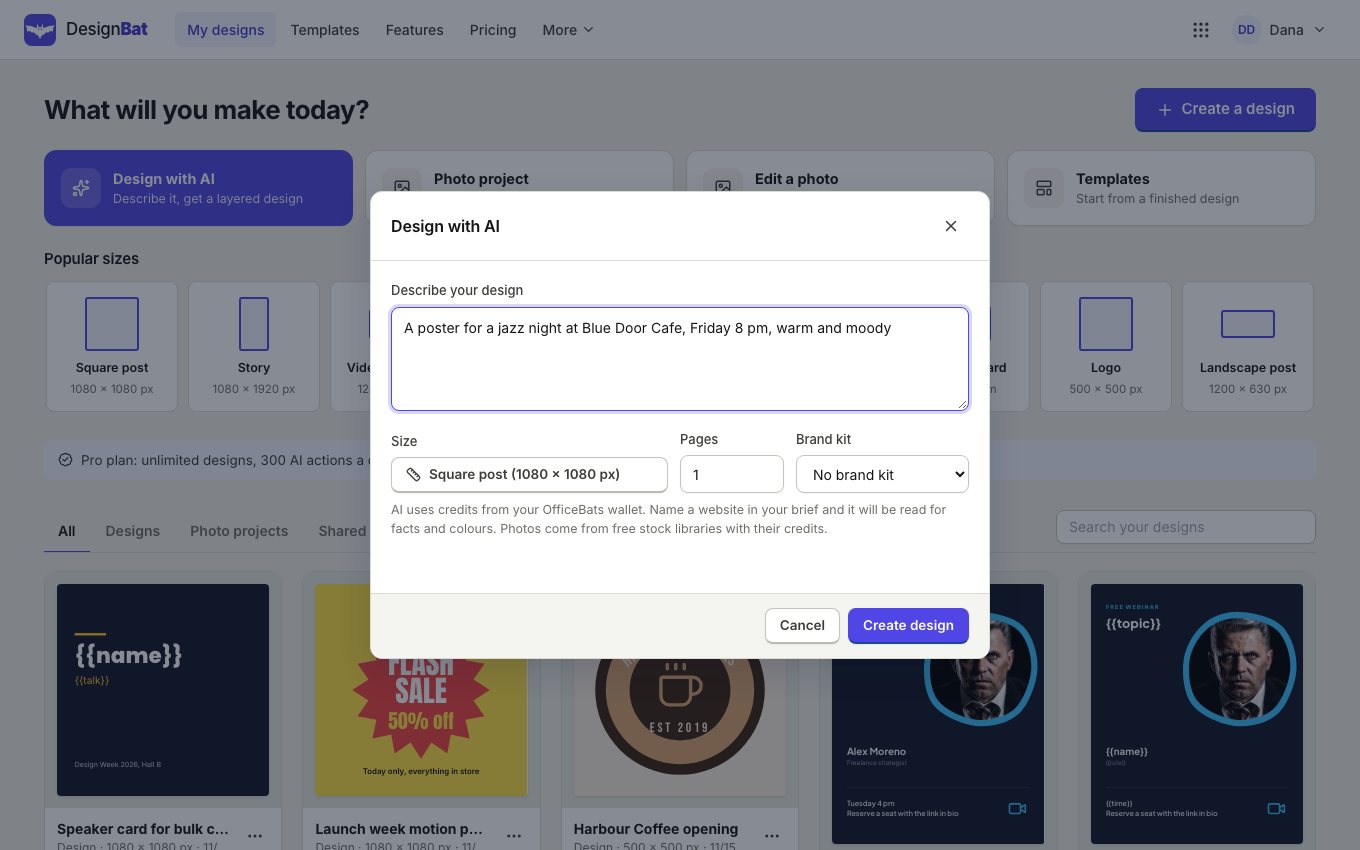
On My designs, Design with AI makes a new design with real layers from a few sentences. In the editor, the Create tab of the AI panel does the same for new pages, and Layouts suggests other arrangements of the current page.
Generate images
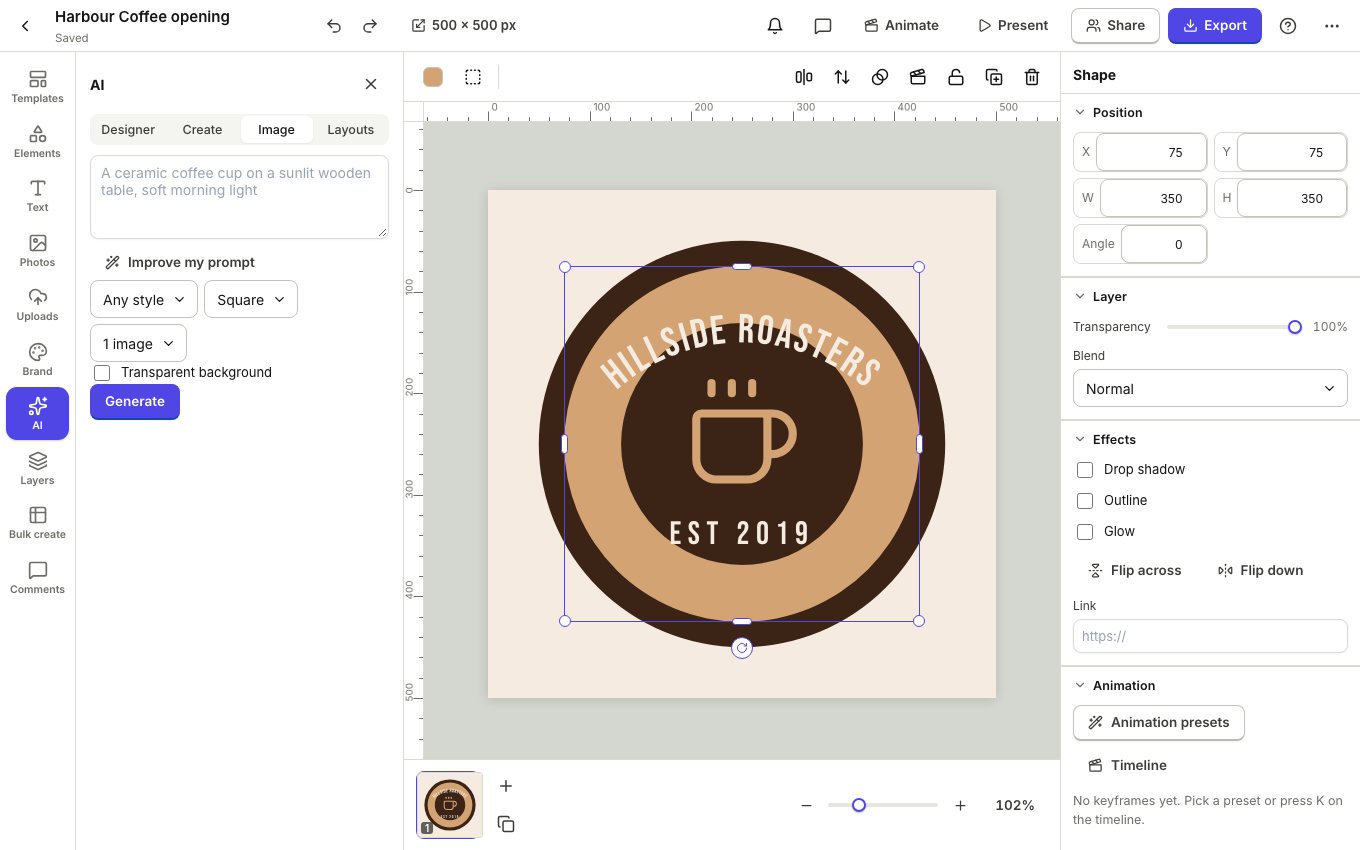
- Open AI, Image.
- Describe the picture. Improve my prompt adds helpful detail.
- Choose a style, the shape and how many images, and tick Transparent background for stickers and objects.
- Click Generate, then click a result to place it.
Edit photos with words
Select a photo and choose Edit in the photo editor. The Words tab changes the photo from a sentence ("make the sky a sunset"); with a selection, only that area changes. The AI tab removes and replaces backgrounds, expands the canvas, upscales, restores old photos and more. Results arrive as new layers, so the original stays.
AI is never free and always needs an account: your plan includes monthly credits, and you can buy more in your OfficeBats wallet.