Brand kits
A brand kit keeps your colours, fonts, logos and brand voice in one place, so every design and every AI result looks like you.
Make a brand kit
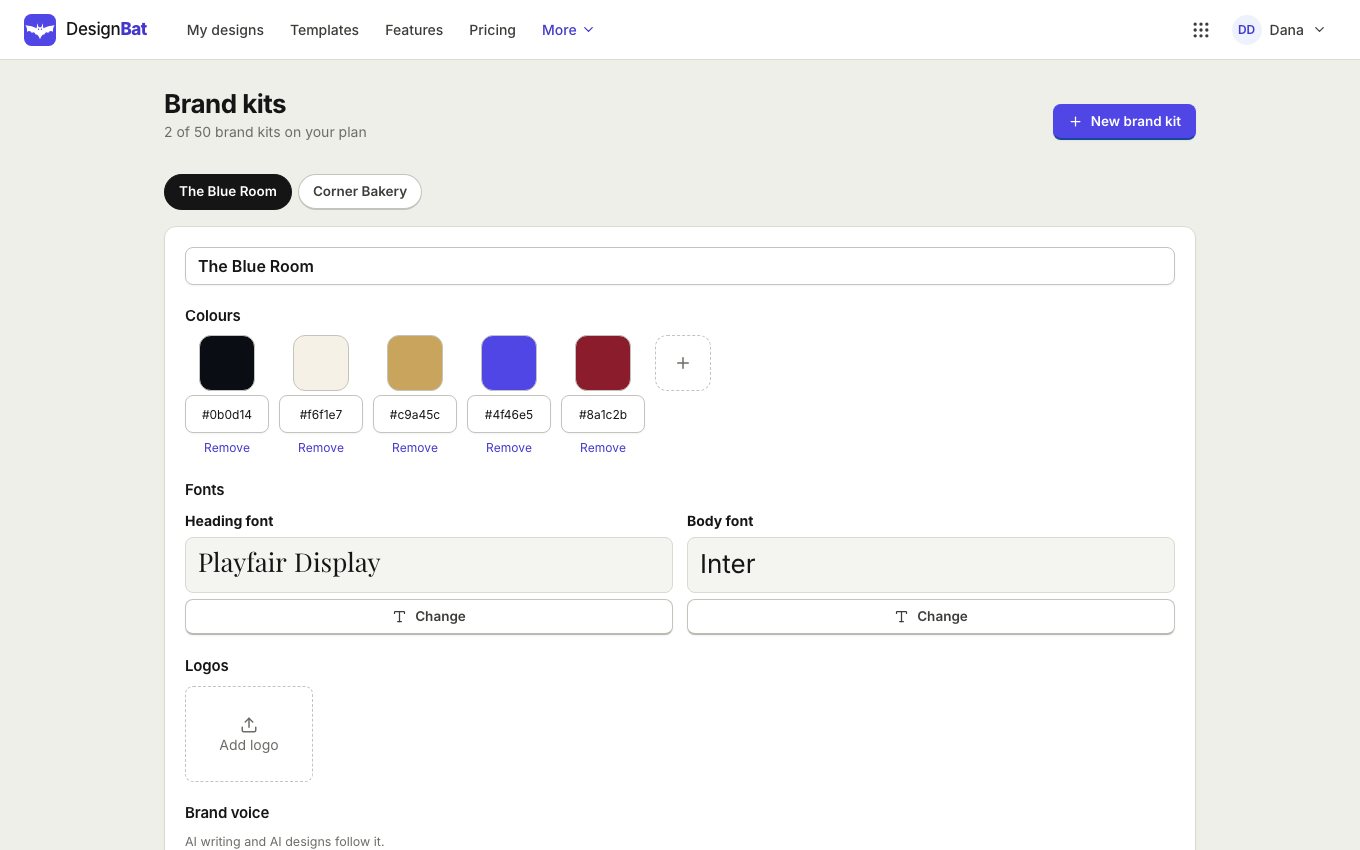
- Choose Brand kits in your account menu, or open the Brand panel in the editor and click Create a brand kit.
- Click New brand kit and name it.
- Add your colours with + and type or pick each one.
- Choose a Heading font and a Body font, add your logos, and describe your Brand voice in a sentence or two.
Use it in a design
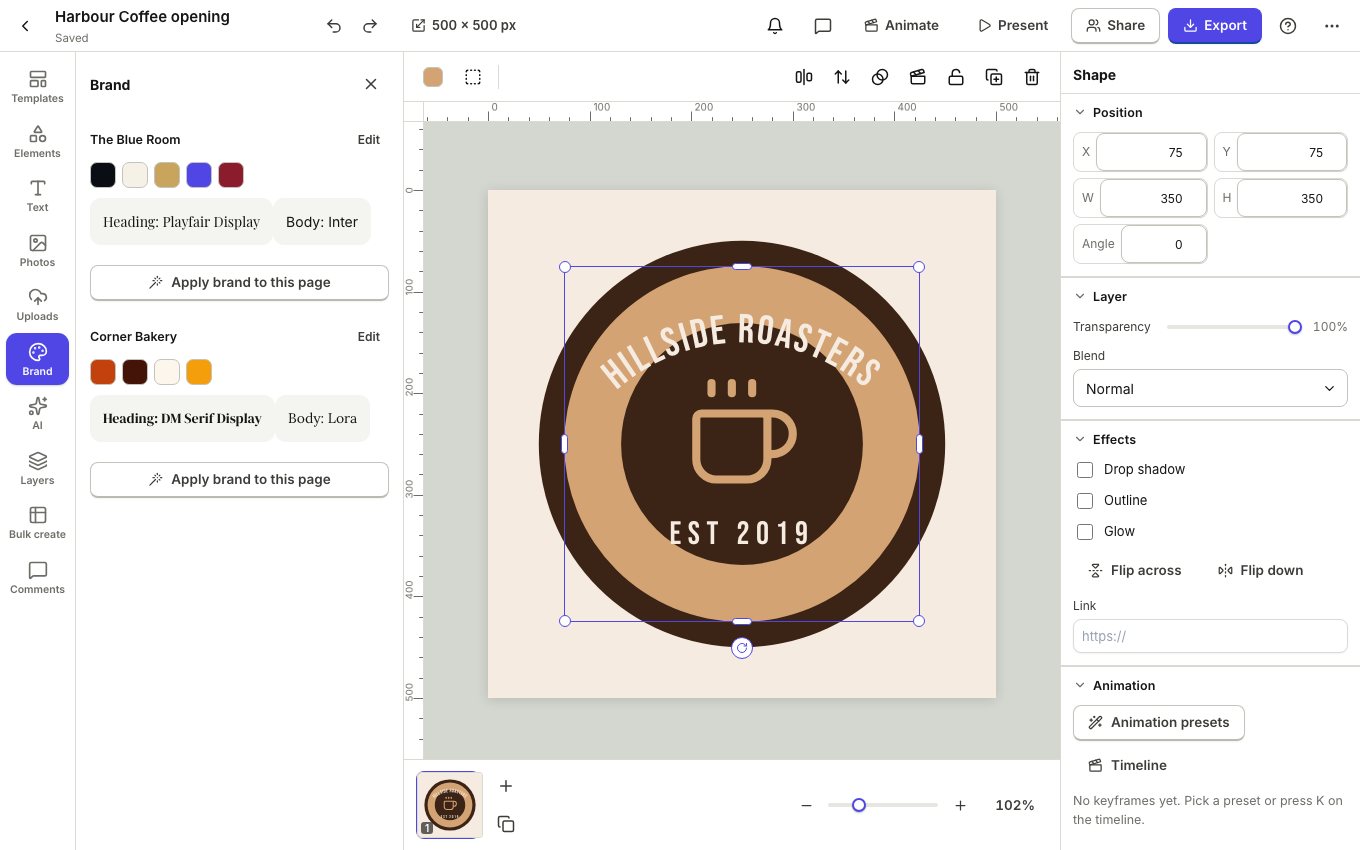
In the editor, the Brand panel shows your kit: click a colour to apply it, a font to use it, or a logo to place it. The AI designer, AI writing and designs from a prompt follow your kit when you choose it.
Keep designs on brand
Check design in the ... menu points out fonts and colours that are not in your brand kit, with a fix for each.
Pro plans keep many brand kits, one per client or product.