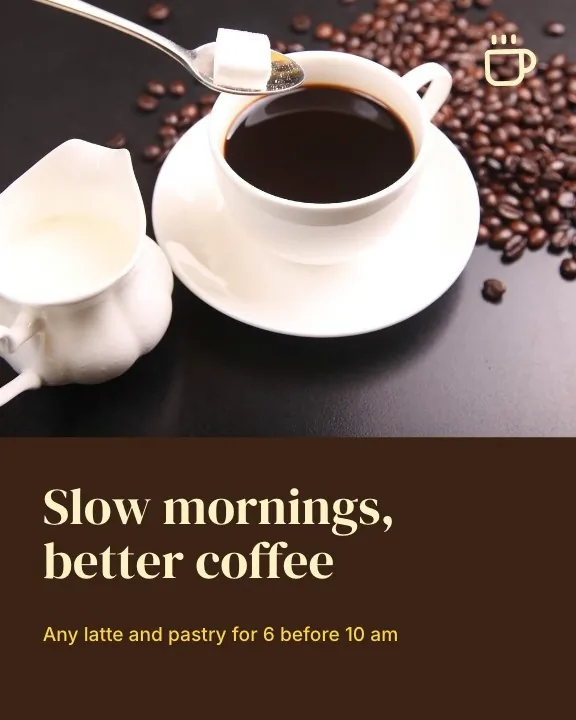
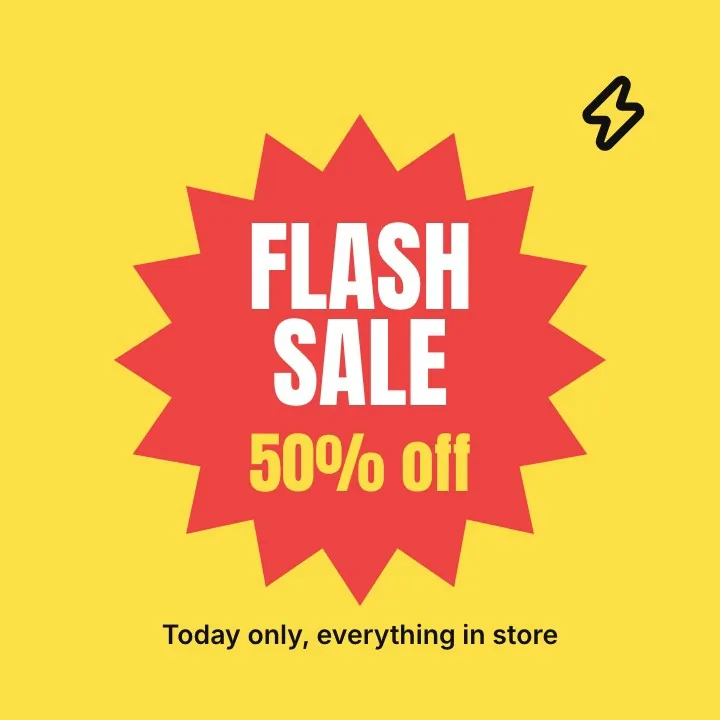
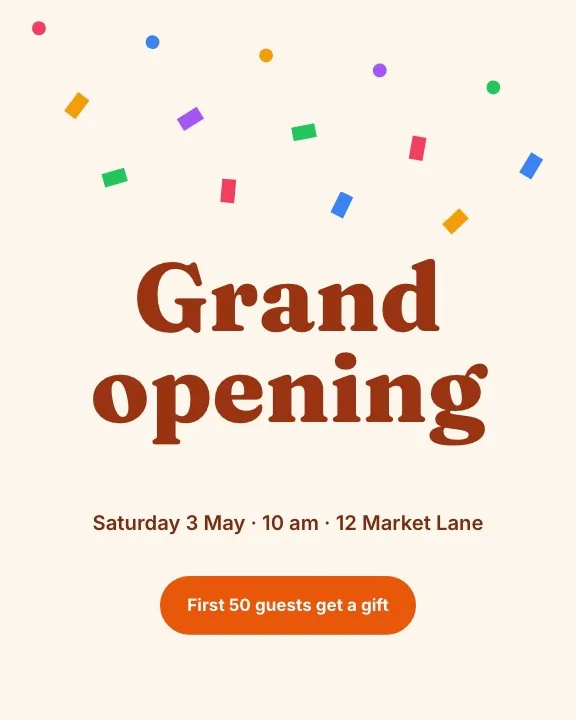
Photo editor
Professional photo editing, right in the browser
Double click any photo in a design or start a photo project. Work with layers, masks and selections, retouch with healing and clone tools, and keep every adjustment editable.
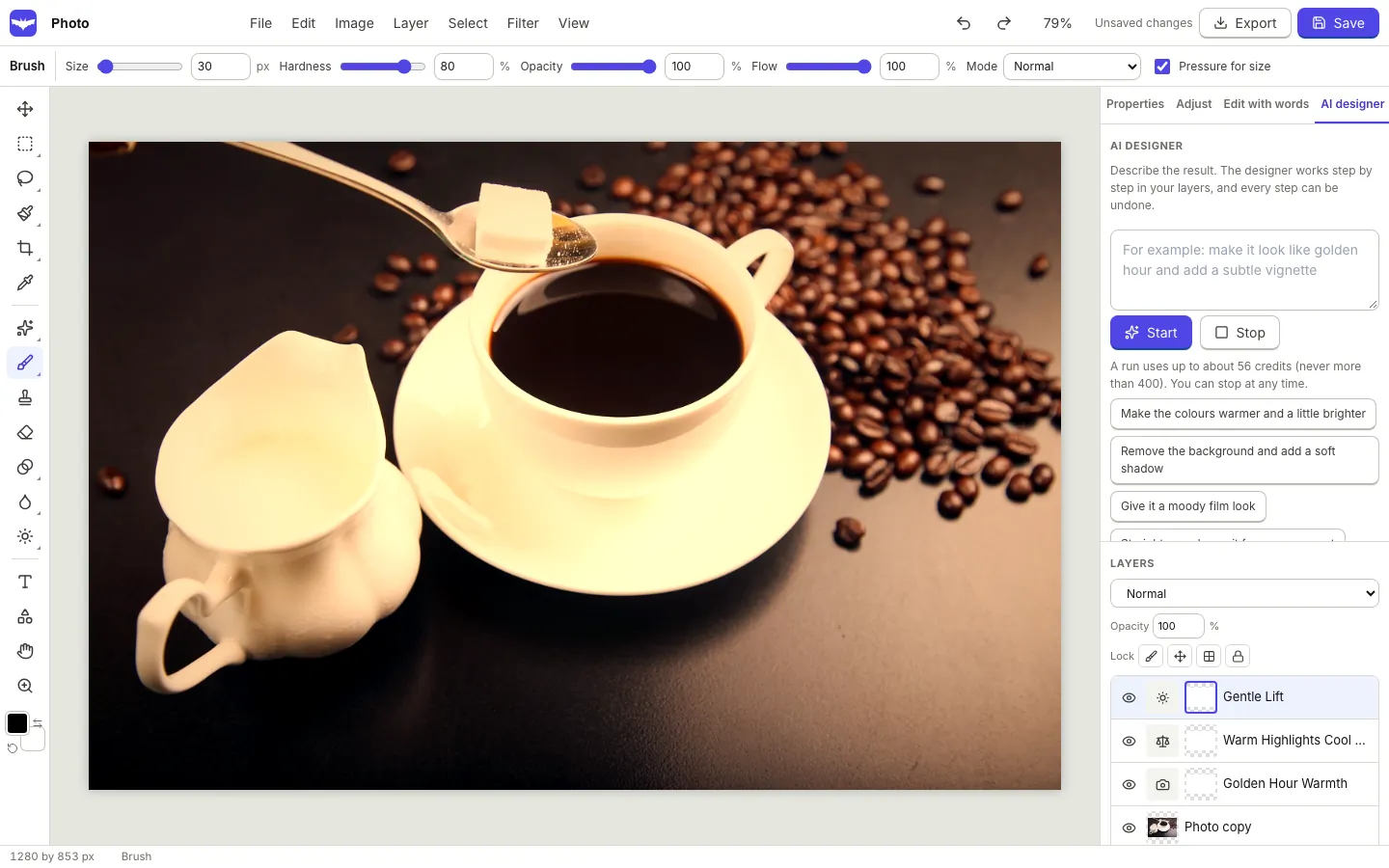
Layers and masks
Raster, text, shape and adjustment layers, plus groups. Set opacity, fill and blend mode, add layer masks and clipping masks, and style layers with shadow, stroke, glow and bevel.
- Lock, hide, merge and flatten
- Placed images stay non destructive
- Layer styles you can change later
Selections that do the hard part
Rectangle, ellipse, lasso, polygonal and magnetic lasso, magic wand with tolerance, colour range and quick selection with a brush. Add, subtract and intersect, feather, expand, contract and invert.
- Select subject with a model that runs in your browser
- Turn any selection into a mask
- Refine the edge of hair and soft objects
Retouch, adjust and transform
Brush, pencil, eraser, bucket and gradient tools with pressure on supported devices. Healing, spot healing, clone stamp, dodge, burn, sponge, blur, sharpen, smudge and red eye. Content aware fill removes what you do not want.
- Curves, levels, hue and saturation, colour balance and more as adjustment layers
- Blur, sharpen, noise, liquify, warp and perspective
- Crop with ratios and straighten, canvas and image size
AI editing, as new layers
Describe a change and get it as a new layer you can mask or hide: warmer light, an object added to a selection, more of the scene around the edges or a new background. The AI designer can also work through your layers step by step.
- Edit with words, fill, remove, replace and expand
- Background replace, upscale, restore, colourise and relight
- Every AI step can be undone
Real results
Edit photos with words.
One photo, four AI tools. Drag to compare the original with each result.
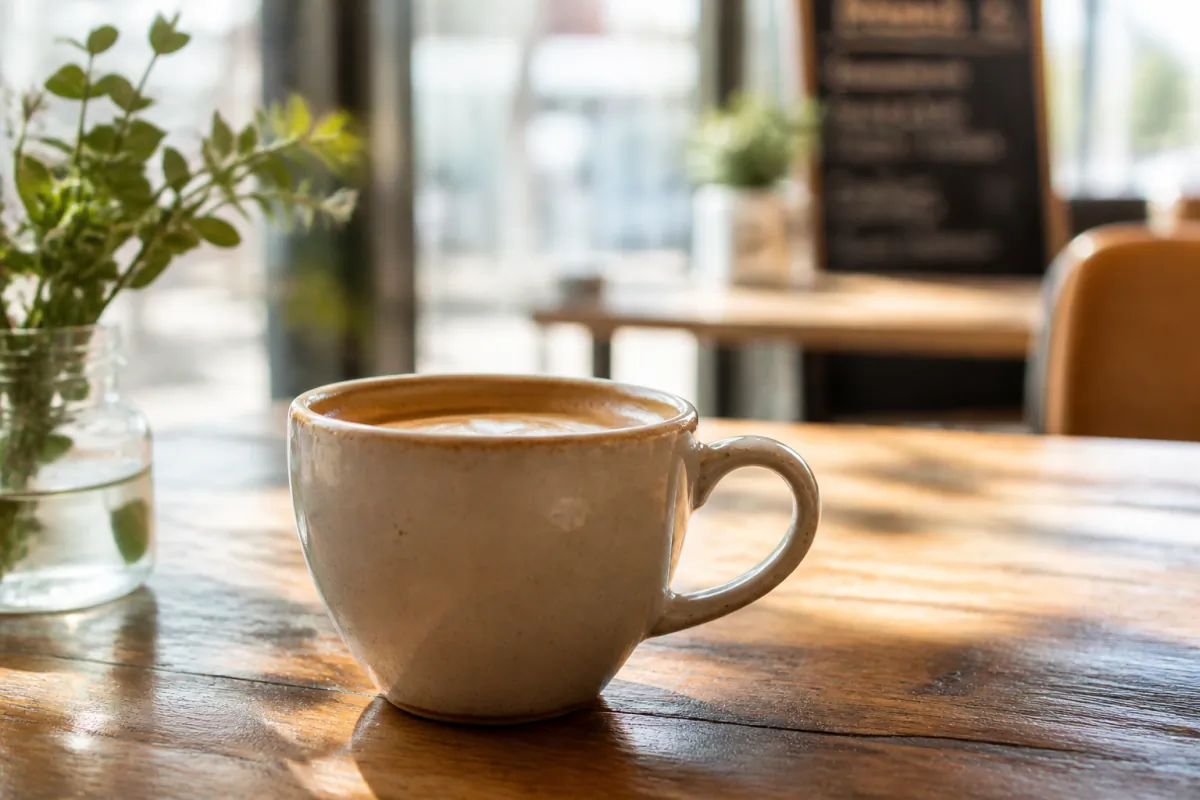
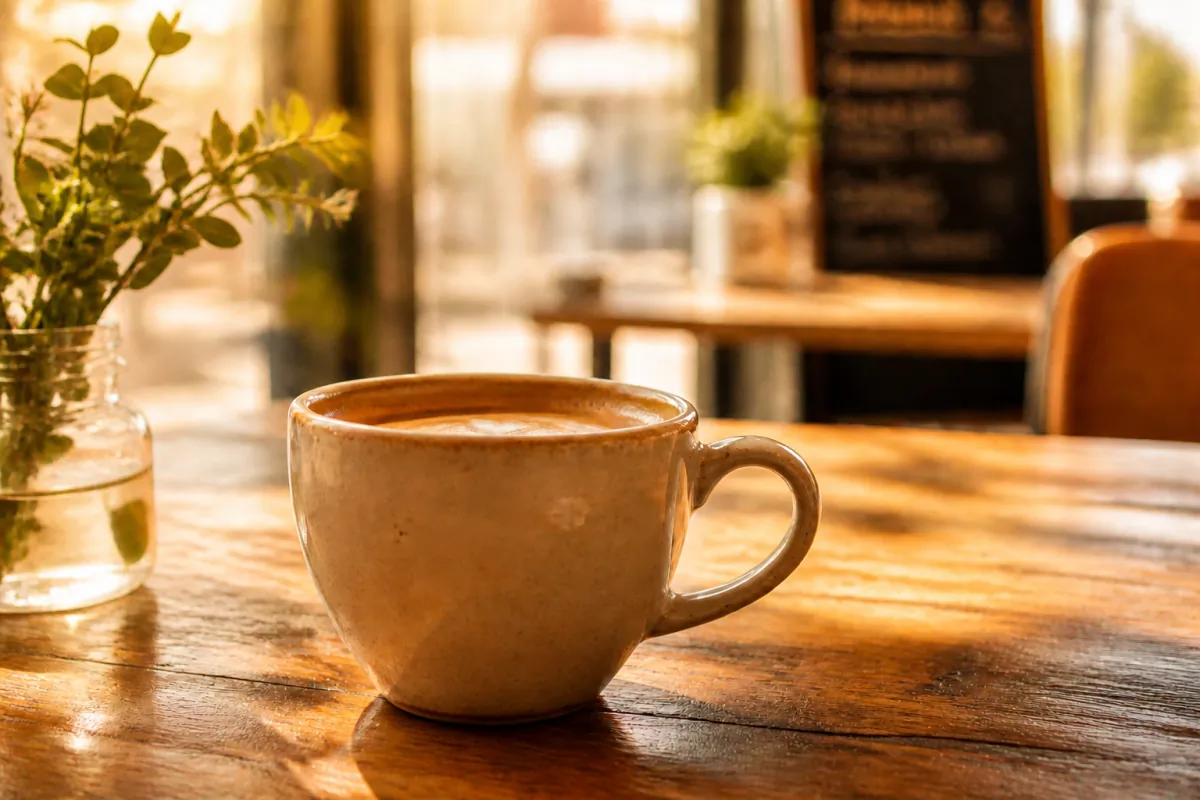
Prompt: make it golden hour with warm low sunlight
How it works.
- 1
Open a photo
Upload PNG, JPG, WebP, GIF, TIFF or a PSD, or double click a photo in a design.
- 2
Edit in layers
Select, mask, adjust and retouch. The history panel keeps your steps and snapshots.
- 3
Save it back
Export the image or a layered PSD, or send it back into your design.
Questions.
Can I open PSD files?
Yes. Layers are imported as images you can move, mask and adjust. Exporting a layered PSD is supported too.
Does the subject selection upload my photo?
No. Select subject and background removal run on your device with a model your browser downloads once.
Is there a size limit?
Photo projects are limited to 8,000 pixels on the longest side in this version, which covers prints and camera photos.
Can I use it on a tablet?
Yes. Tablets and phones get the full tool set with a tool drawer, bottom sheets, two finger pan and zoom and pen pressure where the device supports it.
Related features.
Background remover
Remove the background of a photo in one click. The model runs on your device, so the photo is not uploaded for processing. Refine the edge and keep a mask you can edit.
Design editor
A free form design editor in your browser: any size, many pages, layers, smart guides, text effects, shapes, icons, charts, tables, QR codes and photo frames.
Export and Drive
Download designs as PNG, transparent PNG, JPG, WebP, SVG or PDF at the quality and scale you choose, multi page designs as a zip, and keep a copy in your OfficeBats Drive.
Your next design
starts here.
Free to start. No credit card. One OfficeBats account for every Bats app.