Background remover
Remove a background in one click
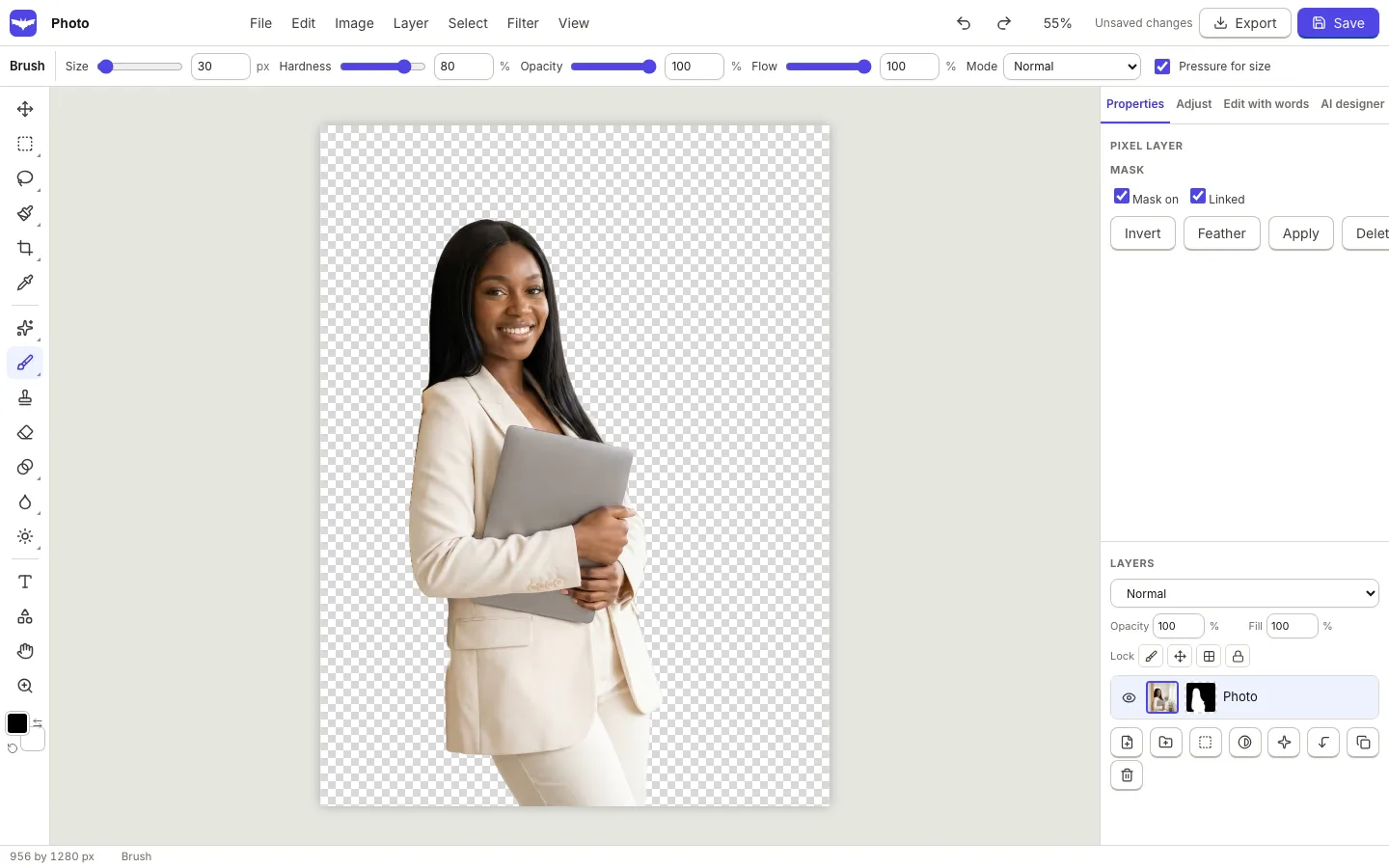
Select a photo and choose Remove background. A segmentation model runs in your browser, finds the subject and turns the rest transparent, with a mask you can paint to fix any edge.
Private by design
The model downloads to your browser once, then runs on your device. Your photo is not sent to a server to cut it out.
- Works on people, products, pets and objects
- Result is a mask, so nothing is thrown away
- Restore or erase any part with a brush
Made for designs
Use the cut out on a new background, add a drop shadow or an outline, or place it in a photo frame. Export transparent PNG when you need just the subject.
- Works inside the design editor and the photo editor
- Transparent PNG and WebP export
- Select subject also powers the photo selections
How it works.
- 1
Choose a photo
Click any photo in your design or open one in the photo editor.
- 2
Remove background
The subject is found and the background becomes transparent.
- 3
Refine
Paint the mask to restore or remove details, then export.
Questions.
Do I need an account?
Yes, editing and saving designs needs a free OfficeBats account.
How big is the model download?
A few megabytes for the standard model, downloaded once and cached by your browser.
What licence does the model have?
Only models under permissive open source licences are used. They are listed in the third party notices.
Related features.
Photo editor
A layered photo editor in your browser: selections, masks, adjustment layers, healing, clone, content aware fill, filters, liquify, PSD import and export, and AI editing with words.
Design editor
A free form design editor in your browser: any size, many pages, layers, smart guides, text effects, shapes, icons, charts, tables, QR codes and photo frames.
Export and Drive
Download designs as PNG, transparent PNG, JPG, WebP, SVG or PDF at the quality and scale you choose, multi page designs as a zip, and keep a copy in your OfficeBats Drive.
Your next design
starts here.
Free to start. No credit card. One OfficeBats account for every Bats app.