Design editor
A design editor that keeps up with your ideas
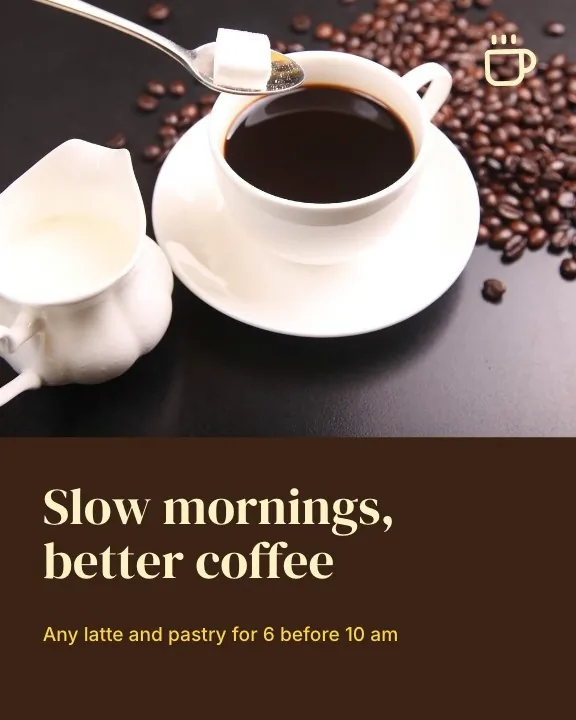
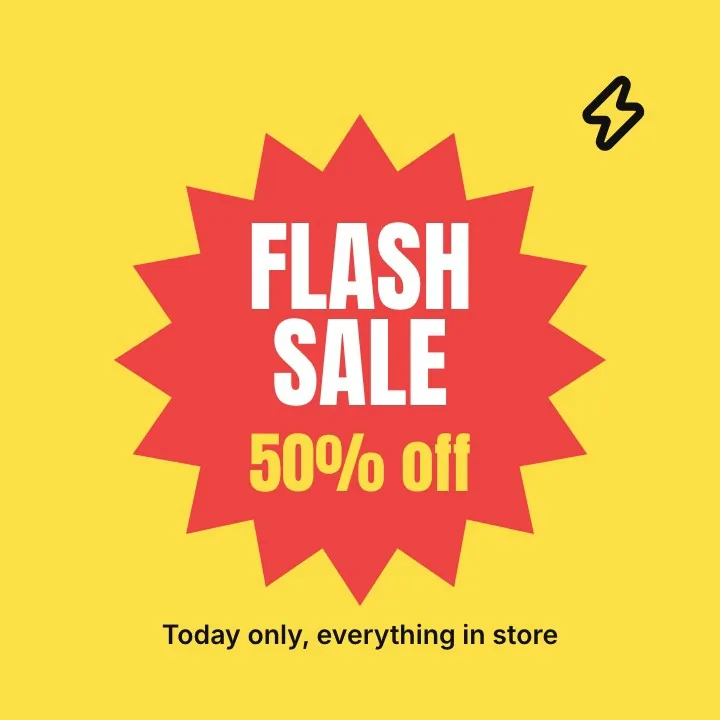
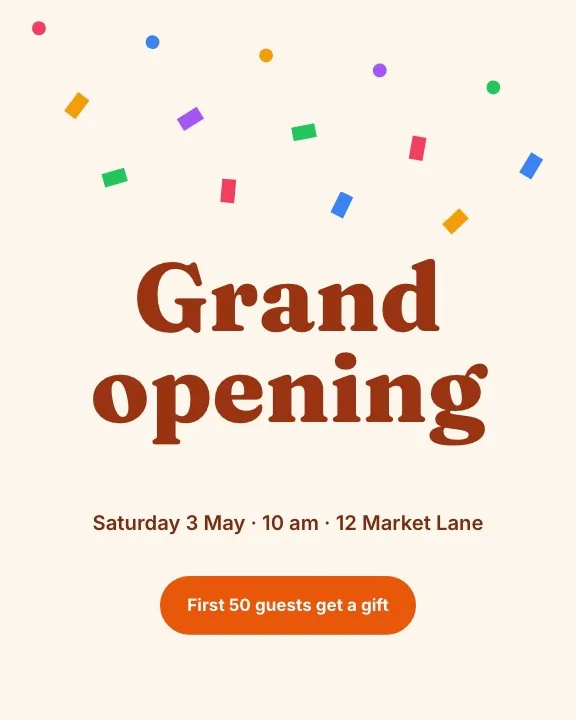
Start from a blank page at any size or from a template. Place text, photos, shapes, icons and charts, then move, snap, align and group them on a canvas that pans and zooms smoothly.
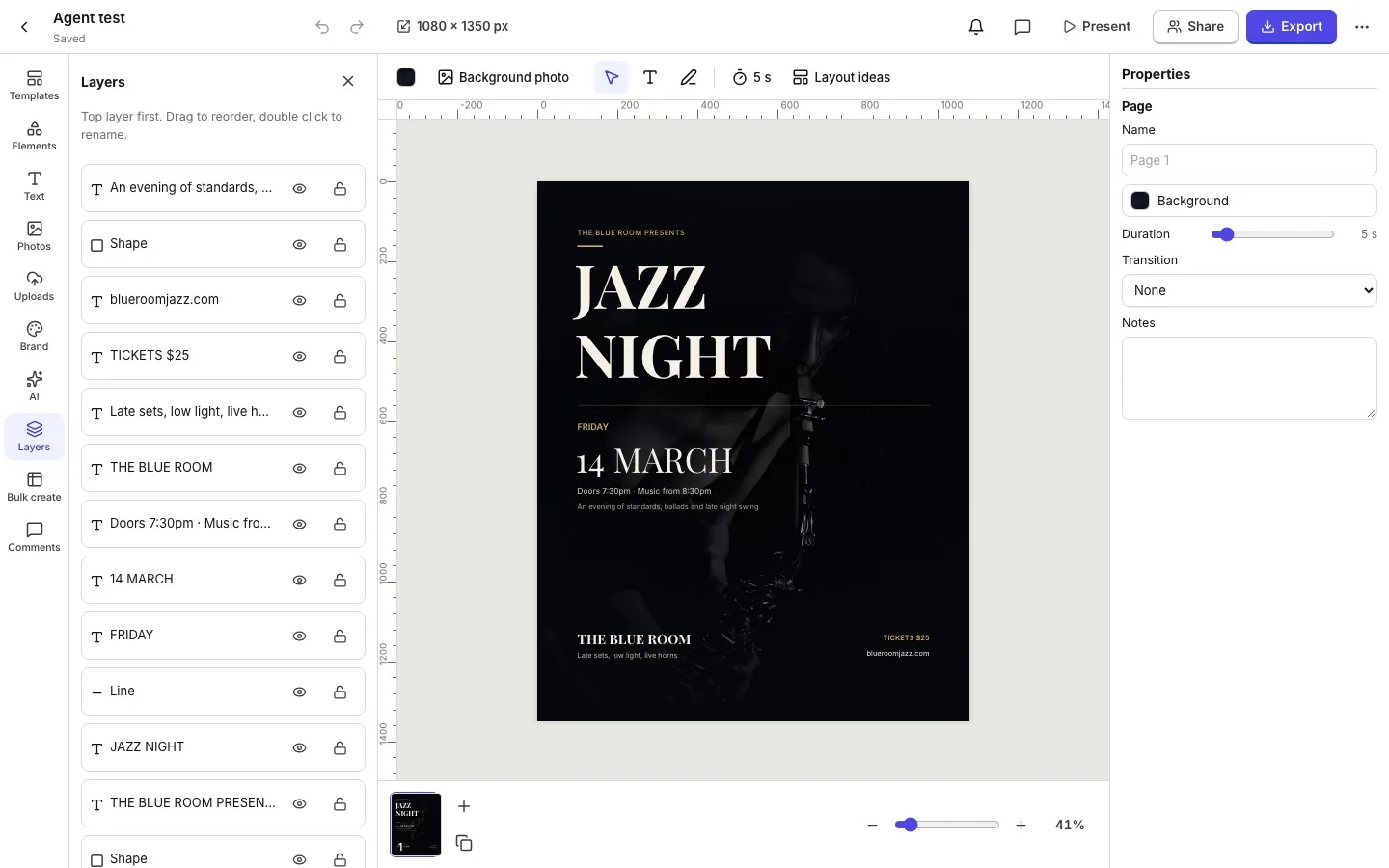
A canvas built for layout
Rulers, guides and smart guides show you where things line up. Snap to edges, centres and the grid, then align and distribute a whole selection in one click.
- Pan and zoom freely, fit to screen in one key
- Multi select, group, lock and reorder in the layers panel
- Flip, rotate, opacity, blend modes and corner radius on anything
Text that looks designed
Rich text with any family, size, weight, letter spacing and line height, lists and alignment. Add effects such as shadow, lift, hollow, outline, neon, glitch, echo, splice or a background band, curve a headline or set it on a path.
- A library of open licence fonts plus your own uploaded fonts
- Saved text styles and font pairings
- Upper, lower and title case without retyping
Elements for every kind of design
Shapes and lines with arrow heads and editable points, about two thousand icons, stickers and illustrations, charts with editable data, tables, QR codes, photo frames and grids.
- Solid colours, gradients and patterns as fills
- Drop shadow, outline and glow effects
- Photo frames and masks that crop by shape
How it works.
- 1
Pick a size
Choose one of the presets or type a custom size in pixels, millimetres or inches.
- 2
Lay it out
Add elements from the side panel and arrange them with snapping and guides.
- 3
Export or share
Download PNG, JPG, WebP, SVG or PDF, or share a link to view, comment or edit.
Questions.
Does it work on tablets and phones?
Yes. On small screens the panels open as sheets and you can pan and zoom with two fingers.
Can a design have more than one page?
Yes. Add, duplicate, reorder and hide pages. Multi page designs export as a PDF or as a zip of images.
Are there keyboard shortcuts?
The usual ones: copy, paste, duplicate, undo, redo, group, select all, arrows to nudge and Delete, plus shortcuts for zoom and tools.
Is my work saved automatically?
Yes. Designs save as you work, keep a version history and a copy goes to your OfficeBats Drive.
Related features.
Photo editor
A layered photo editor in your browser: selections, masks, adjustment layers, healing, clone, content aware fill, filters, liquify, PSD import and export, and AI editing with words.
Templates and sizes
Original templates for social posts, stories, posters, flyers, logos, business cards, invitations, banners, thumbnails and presentations, with open licence fonts and photos.
Export and Drive
Download designs as PNG, transparent PNG, JPG, WebP, SVG or PDF at the quality and scale you choose, multi page designs as a zip, and keep a copy in your OfficeBats Drive.
Your next design
starts here.
Free to start. No credit card. One OfficeBats account for every Bats app.